Your home, explained step by step.
Wi-Fi, pets, plants and how everything works, with photos and short clips. Set it up once and send a link to whoever looks after your place. Nothing to install.
Watering the garden
-
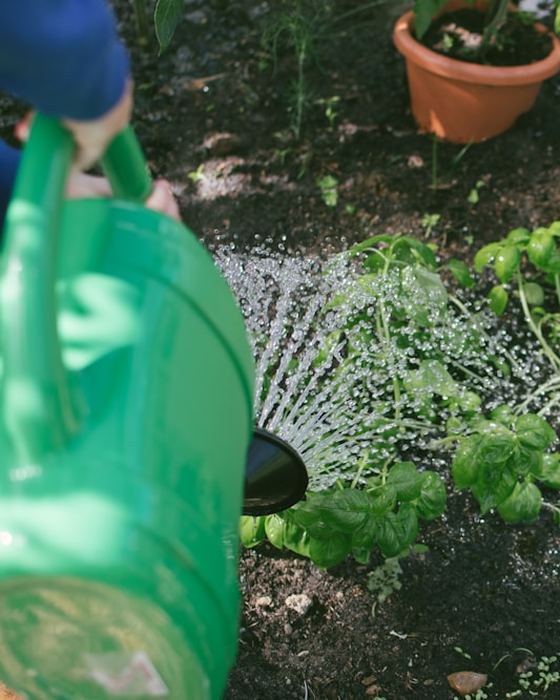
1 of 2
Water the basil with the watering can; don’t flood it.
-

2 of 2
Dahlias in the evening, keep the leaves dry.
How it works
Set up once. Send a link. Your sitter has everything they need.
- 01
Add your home
Give it a name and, if you like, a cover photo.
- 02
Fill the guide
Wi-Fi, emergency contacts and pet care, and how each thing works, step by step with photos or short clips.
- 03
Share a link
Generate a sitter-specific URL, set an expiry, and send it. They can save it to their home screen and read it on the couch.
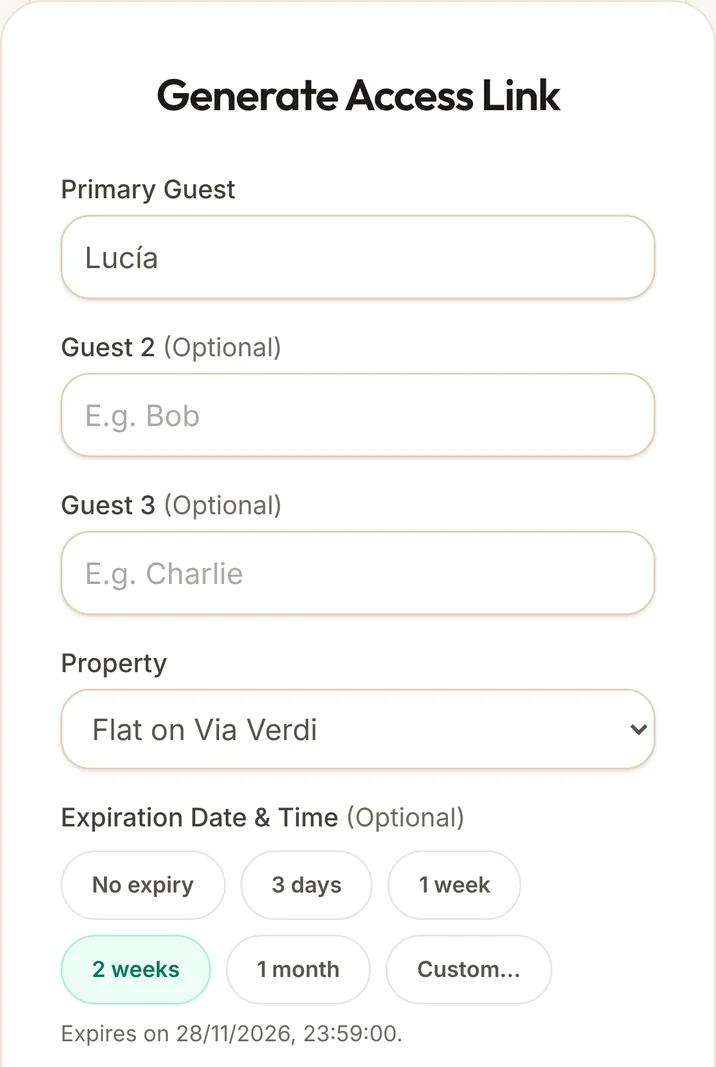
What your sitter finds
One page per home, in English or Spanish, on any phone.
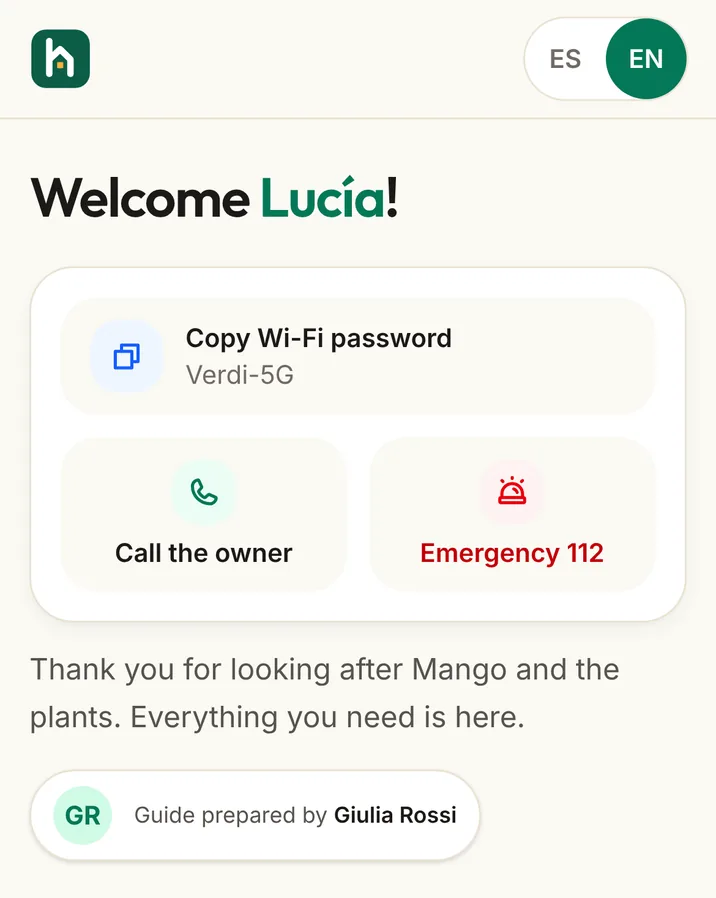
The urgent things come first
When your sitter opens the link they see their name, copy the Wi-Fi password with one tap and know who to call if something happens.
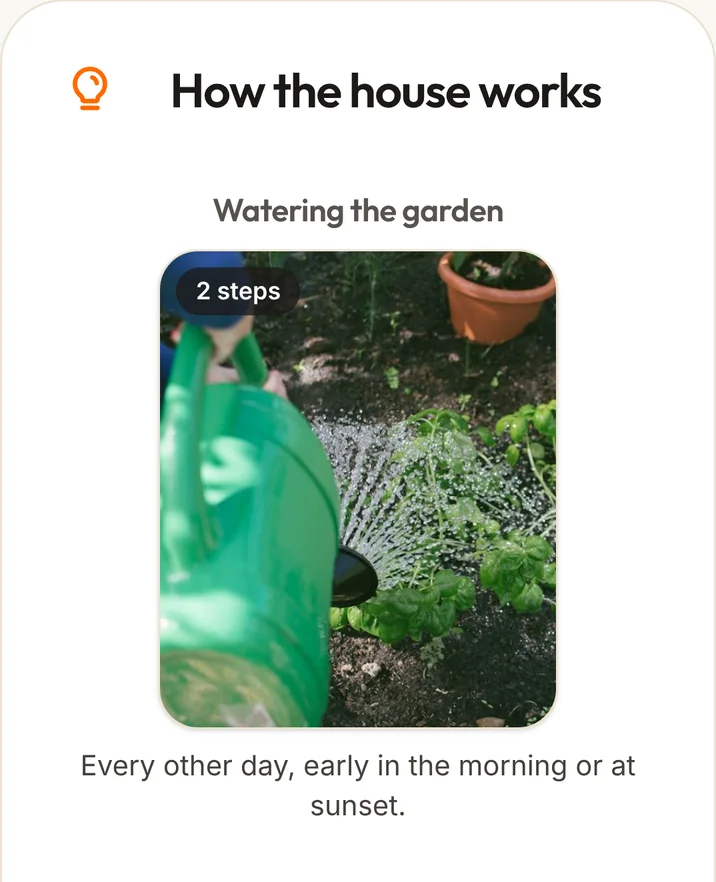
How everything works, step by step
Watering, the heating or the washing machine, with a photo or short video per step and one line that explains it.
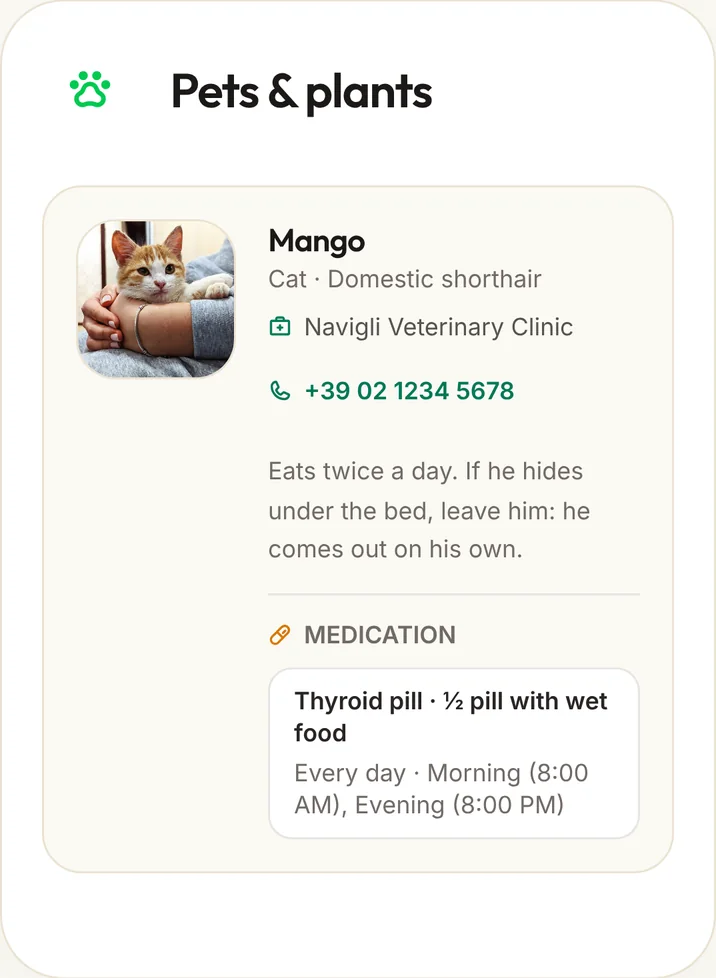
Your pets’ routine, with times
Meals, walks and medication with their times, and the vet’s number one tap away.
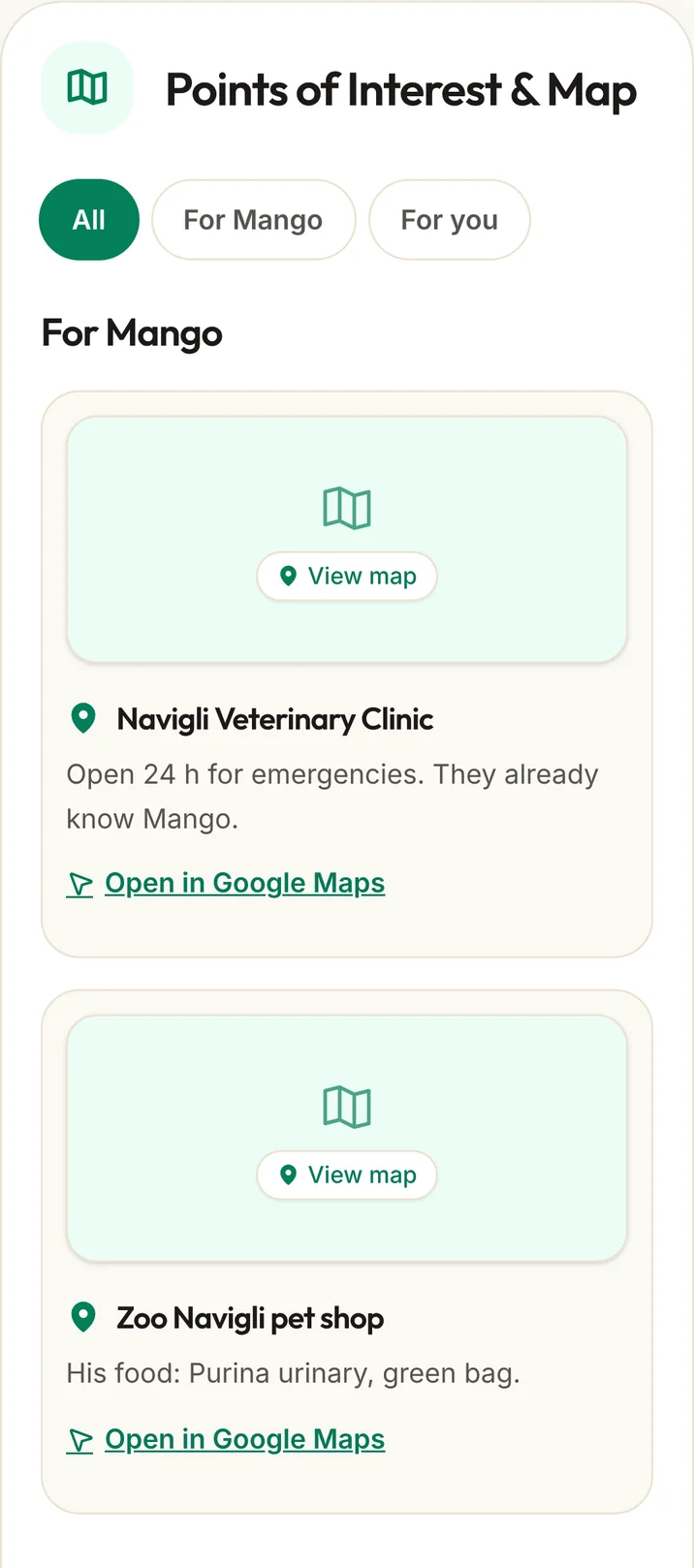
Your neighbourhood, on a map
The vet, the pharmacy and your favourite walks. Each place opens in Google Maps.
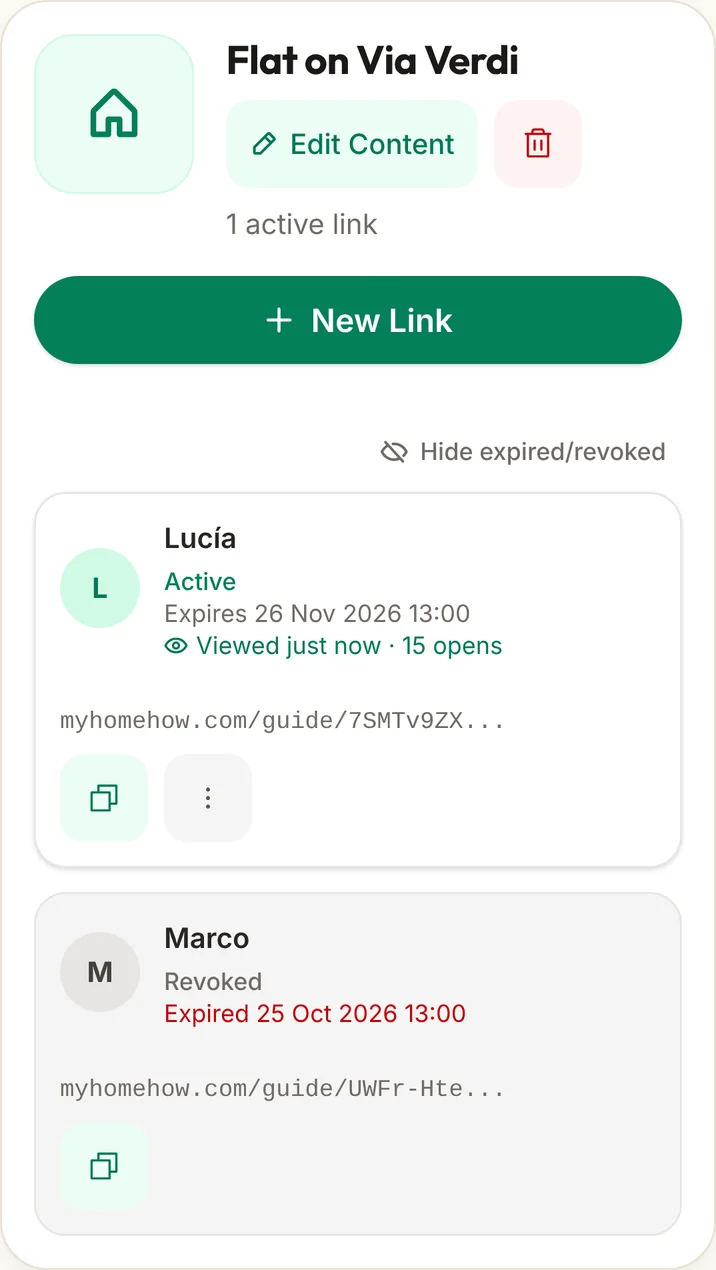
One link per sitter
Every sitter gets their own link. Give it an end date or turn it off at once. Guides never show up in search engines.
Built for the details of your home
-
Private link access
Each sitter gets their own private link. The photos and content in your guide are not public.
-
Owner-controlled expiry
Set an end date or revoke a link instantly. Access cuts off right away, no extra steps needed.
-
No public search
Guides are not indexed and never surface in search engines. Only the link-holder gets in.
-
Only what is needed
We ask only for what the guide needs, with no ads or trackers. You can delete your account and everything in it at any time.
Pricing
Free for one home. Plus adds more homes, clips, the map and the PDF.
Free
For one home.
- 1 home
- 1 active link (7 days) and 3 in total
- Guide with photos
- Email support
Plus
Lifetime access — pay once
One payment, every feature, for good.
- Up to 10 homes
- Unlimited links that never expire
- PDF export
- Clips in the guide
- Map and places of interest
- Priority support
Everything you need to know
Quick answers to the most common questions about Homehow.
Does my sitter need to install an app?
No. The guide is a web page that works on any phone, tablet, or laptop — no downloads or sign-up required from the sitter.
Can I update the guide after sharing it?
Yes. Any changes appear immediately for the sitter — no need to send a new link.
What if the sitter loses the link?
Generate a fresh link from your dashboard in seconds. You can also revoke the old one so it stops working right away.
Can more than one sitter use it?
Yes. Create a separate link for each sitter, each with its own expiry. You always know exactly who has access.
Is my home information safe?
Guides are never indexed by search engines and only work with the exact link you share. No public pages, no anonymous access.
Do I need a credit card to get started?
No. The free plan requires no card. Just create your account and start filling in your guide.
Have the guide ready before your next trip
Set it up once and it works for every sitter.